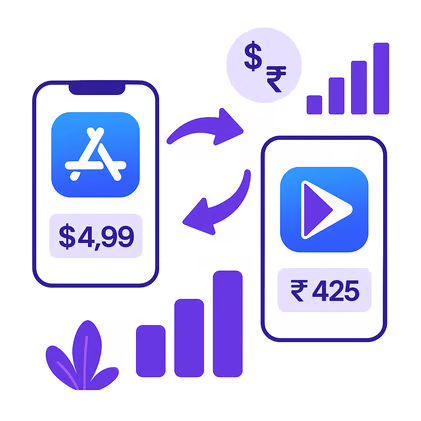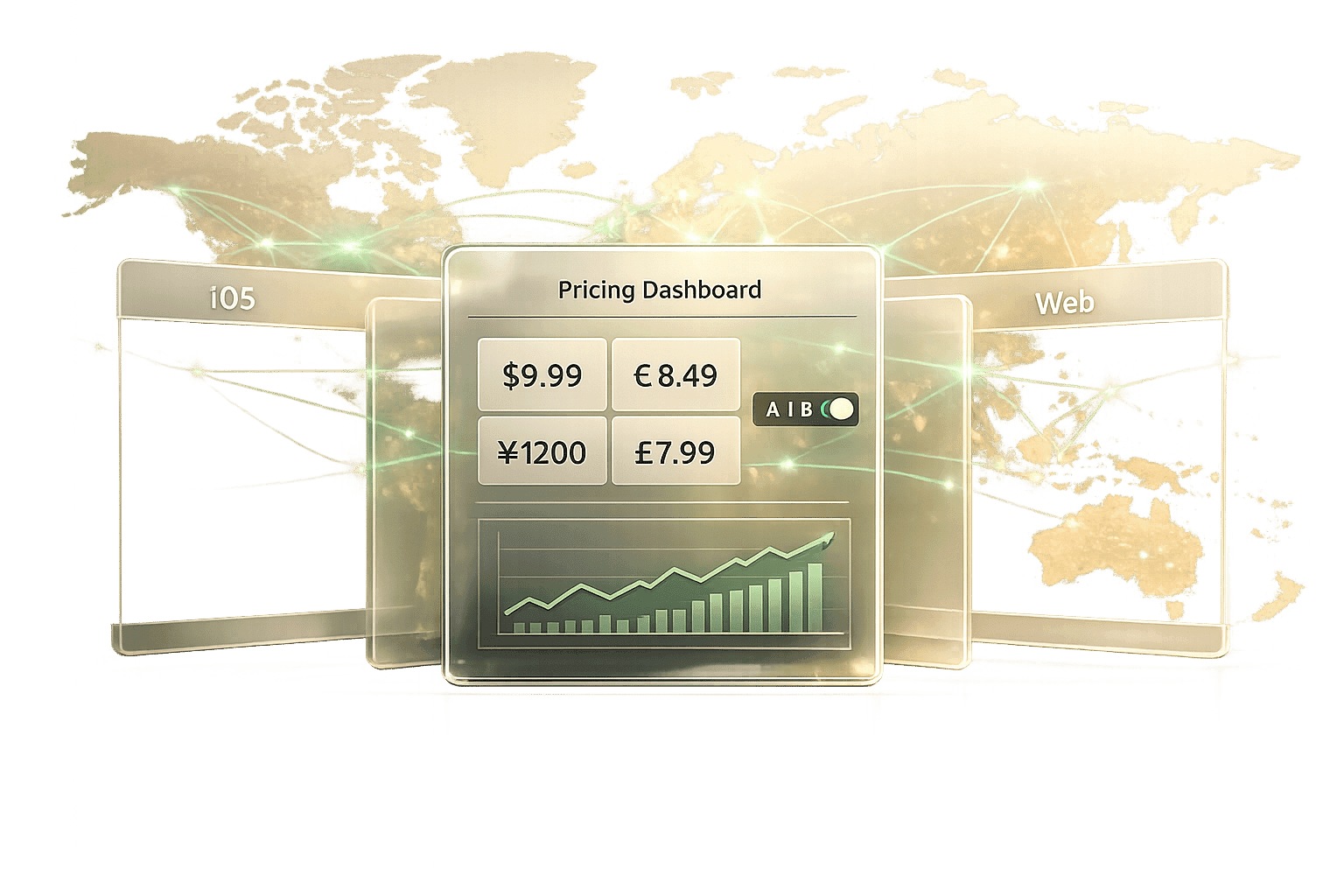
Managing app prices across platforms like iOS and Android can be overwhelming. A unified pricing dashboard simplifies this process, enabling you to adjust prices across 150+ countries in minutes. By leveraging tools like Mirava, you can optimise regional pricing, boost conversions, and increase revenue without manual effort. Here's what you need to know:
- Default pricing costs revenue: 40% of brands stick with Apple and Google defaults, missing opportunities to account for local purchasing power.
- Localized pricing drives results: Adjusting prices for price-sensitive regions can boost trials by 15–30% and improve conversions in emerging markets by 40%.
- Automation saves time: Tools like Mirava streamline pricing updates, eliminating the need for developer resources and manual builds.
- Key features: Batch updates, regional pricing rules (e.g., PPP and competitor-based indices), and testing regional pricing allows you to refine strategies and measure impact.
Start by connecting your apps (iOS and Android) to a centralized dashboard like Mirava, set up regional pricing rules, and track revenue performance. This approach ensures your pricing aligns with local markets and maximises global revenue potential.
Why Use a Unified Pricing Dashboard
A unified pricing dashboard streamlines your workflow, cutting down manual updates from hours to mere minutes. It allows you to adjust prices across 150+ countries in one go, fitting seamlessly into regional and automated pricing strategies [4].
Managing Multiple Platforms in One Place
Each platform comes with unique challenges: iOS relies on a fixed tier system with predefined price points, and Android offers more flexibility but demands manual input. A unified dashboard bridges these differences, syncing prices across both stores and preventing mismatches or invalid adjustments that could lead to store rejections. Mirava’s tools also identify compliance issues, ensuring your pricing aligns with each platform’s policies.
By consolidating platforms into one workflow, teams can roll out country-specific pricing far faster than handling each store separately - turning a process that once took days into one that takes minutes.
Setting Prices by Region
A unified dashboard doesn’t just align platforms - it also helps tailor pricing to local markets, boosting revenue through purchasing power parity (PPP) adjustments. This approach ensures prices reflect local economic conditions, making your app more accessible and driving conversions. For example, pricing might be set at $9.99/month in the U.S. but adjusted to $2.99/month in Brazil to match local purchasing power. Aligning prices with local purchasing power this way can meaningfully improve lifetime value and make willingness-to-pay strategies far more effective for subscription plans.
Automating Price Updates
Automation takes the hassle out of pricing updates. Predefined rules trigger changes that are applied across all platforms simultaneously, eliminating manual intervention and reducing errors. You can easily implement volume discounts - like 10% off for multiple units - or adjust pricing in over 150 countries in one operation, allowing for quick responses to market shifts.
Mirava’s pricing intelligence powers these updates, ensuring your prices remain competitive and market-responsive. Automation frees up time for developers to focus on building features rather than wrestling with spreadsheets. The dashboard even includes preview modes to test pricing impacts before they go live. By leveraging real-time conversion data and competitor insights, you can A/B test price points and refine pricing to capture additional revenue.
sbb-itb-43fe43a
Setup Requirements and Initial Configuration
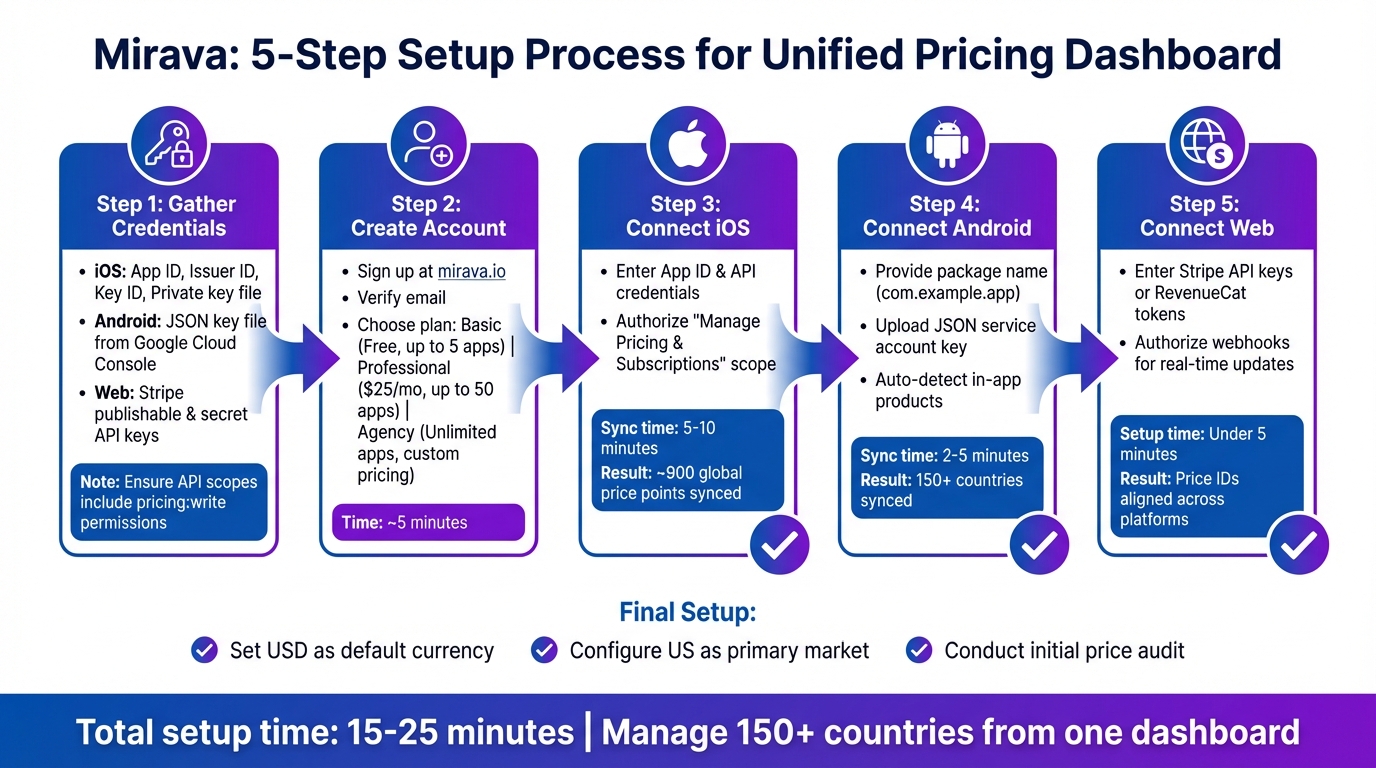
5-Step Guide to Setting Up Unified App Pricing Dashboard
To start managing prices from one centralized dashboard, you’ll need active developer accounts for iOS (App Store Connect) and Android (Google Play Console). These accounts provide the credentials required for secure integration and pricing management across both platforms.
Understanding the pricing structures for each platform is equally important. For instance, Apple operates on a fixed tier system with about 900 global price points, while Google allows more flexibility with local currency tiers. Familiarity with these systems ensures smooth integration and helps avoid connection errors. Additionally, confirm that your apps are live or correctly configured for testing subscription products. Once you’ve gathered your credentials, you can proceed to set up your Mirava account.
What You Need to Get Started
Before connecting your apps, make sure you have the following platform-specific credentials:
- iOS credentials: App ID, Issuer ID, Key ID, and a private key file. These can be found in App Store Connect under Users & Access > Keys.
- Android service account: A JSON key file from the Google Cloud Console with the Play Developer API enabled.
Ensure that your API scopes include permissions for pricing management. A common issue for new users is missing the "pricing:write" scope for iOS or using expired keys. Testing your credentials in sandbox mode can help identify and resolve such errors early. With everything in hand, you’re ready to set up your Mirava account.
Creating Your Mirava Account
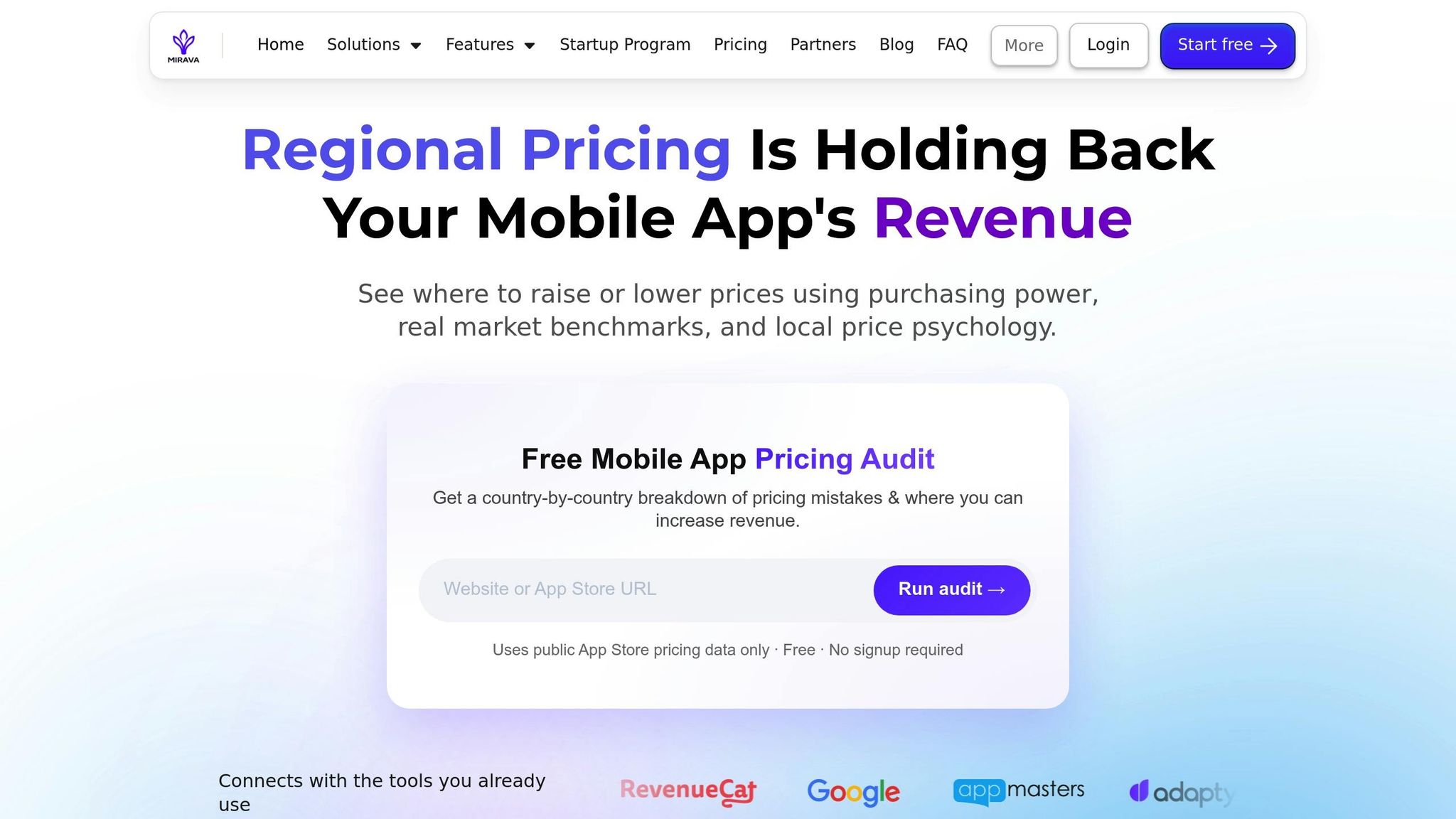
Go to mirava.io and click "Sign Up." Enter your email, password, and company details, then verify your email through the link sent to your inbox. This marks the first step toward managing all your pricing from a single dashboard. During the onboarding process, you’ll choose one of three plans:
- Free: Connect your accounts, run the price audit, and apply flat price updates.
- Premium: $49 per app per month, or $499 per app per year (2 months free), for the full pricing toolkit.
- Enterprise: Designed for large-scale publishers with additional features. Pricing is available upon request.
Complete your profile by adding billing details in standard US formats. The entire process takes about 5 minutes, setting up your dashboard for the next steps.
Connecting Your Apps
After logging in, go to the "Apps" section of the Mirava dashboard and click "Connect App." Select your platform - iOS or Android - and follow the instructions. Each connection strengthens your unified pricing strategy, simplifying multi-platform management.
- For iOS: Enter your App ID and API credentials, then authorize the "Manage Pricing & Subscriptions" scope. The sync process generally takes 5–10 minutes.
- For Android: Provide your package name (e.g., com.example.app) and upload the JSON service account key. Mirava will automatically detect your in-app products and pricing tiers for over 150 countries. Syncing typically completes in 2–5 minutes.
Once your apps are connected, set USD as your default currency and configure regional preferences with the United States as your primary market. Conduct an initial price audit to establish a baseline for your pricing tiers across platforms, ensuring compliance with US localization standards. With your apps synced and basic settings configured, you’re ready to move on to regional pricing adjustments.
Setting Up Regional Pricing
Once your apps are connected and baseline prices are set, you can shift focus to strategies that adjust prices automatically for different markets. Mirava's regional pricing tools simplify this process, eliminating the need for manual exchange rate calculations or tier adjustments across over 175 countries. These tools serve as a pricing intelligence layer that complements your billing and paywall platforms.
Configuring Pricing Rules and Indices
Mirava provides two key pricing indices to guide regional adjustments. The PPP (Purchasing Power Parity) index aligns prices with local economic conditions. For instance, an app priced at $9.99 in the United States might be adjusted to $4.99 in India to reflect local affordability. The Blend index, on the other hand, combines PPP data with competitor pricing insights from platforms like Netflix, Spotify, Apple, and YouTube. It also accounts for currency fluctuations, ensuring adjustments are dynamic and competitive without requiring manual input.
To set up a pricing rule, go to "Pricing Rules" under Regional Pricing in the dashboard. Select your app, then choose either PPP for affordability or Blend for competitiveness. Enter your base price in USD (e.g., $4.99), apply the rule to specific regions such as Europe or Asia, and Mirava will calculate appropriate tiers for each country - like €4.49 in Germany or ¥450 in Japan. You can set updates to occur daily or weekly, preview the changes, and enable auto-sync to push updates directly to App Store Connect and Google Play Console.
For most apps, experts suggest starting with the Blend index as it automates the majority of pricing adjustments and has been shown to boost revenue by 20% in competitive regions compared to manual configurations. PPP is better suited for stable markets where affordability drives decisions. Meanwhile, custom indices are ideal for niche apps, such as games, where seasonal currency shifts or other unique factors come into play.
Updating Multiple Countries at Once
The "Batch Updates" feature allows you to adjust prices for multiple countries in one go. For example, you can select over 50 countries - like all EU nations or emerging Southeast Asian markets - and apply a pricing rule, such as a 5% increase using the Blend index. Before finalizing, preview the projected outcomes with the revenue simulator. This feature might show, for instance, a potential monthly revenue increase of $5,200 across 10 countries with a 2% lift in conversions.
Moving from a single global price to localized, data-driven tiers can capture meaningful additional revenue. For example, a developer might use the Blend index across 40 countries, adjusting a $2.99 base price to localized tiers like R$8.90 in Brazil and ¥450 in Japan - aligning prices with local purchasing power while saving significant time previously spent on manual updates.
Once you've confirmed the changes in USD, schedule the deployment (MM/DD/YYYY) and implement the updates with a single click. Typically, these changes are reflected in app stores within 24–48 hours.
After completing bulk updates, the next question is whether the new prices actually performed. That validation happens in your experimentation stack, not in Mirava.
Testing Different Price Points
Mirava is not an A/B testing tool. It decides what the price should be in each market and pushes it to the stores. Measuring how a price point performs against another is the job of your paywall and experimentation layer, such as RevenueCat or Adapty, which control variant assignment and cohort tracking.
The practical split: use Mirava to set a defensible localized price, then use your experimentation stack to test it against your current one. Our guide to running and measuring mobile app pricing experiments walks through the test design.
Working With Billing Tools and Tracking Results
Working Alongside RevenueCat, Adapty, and Other Platforms
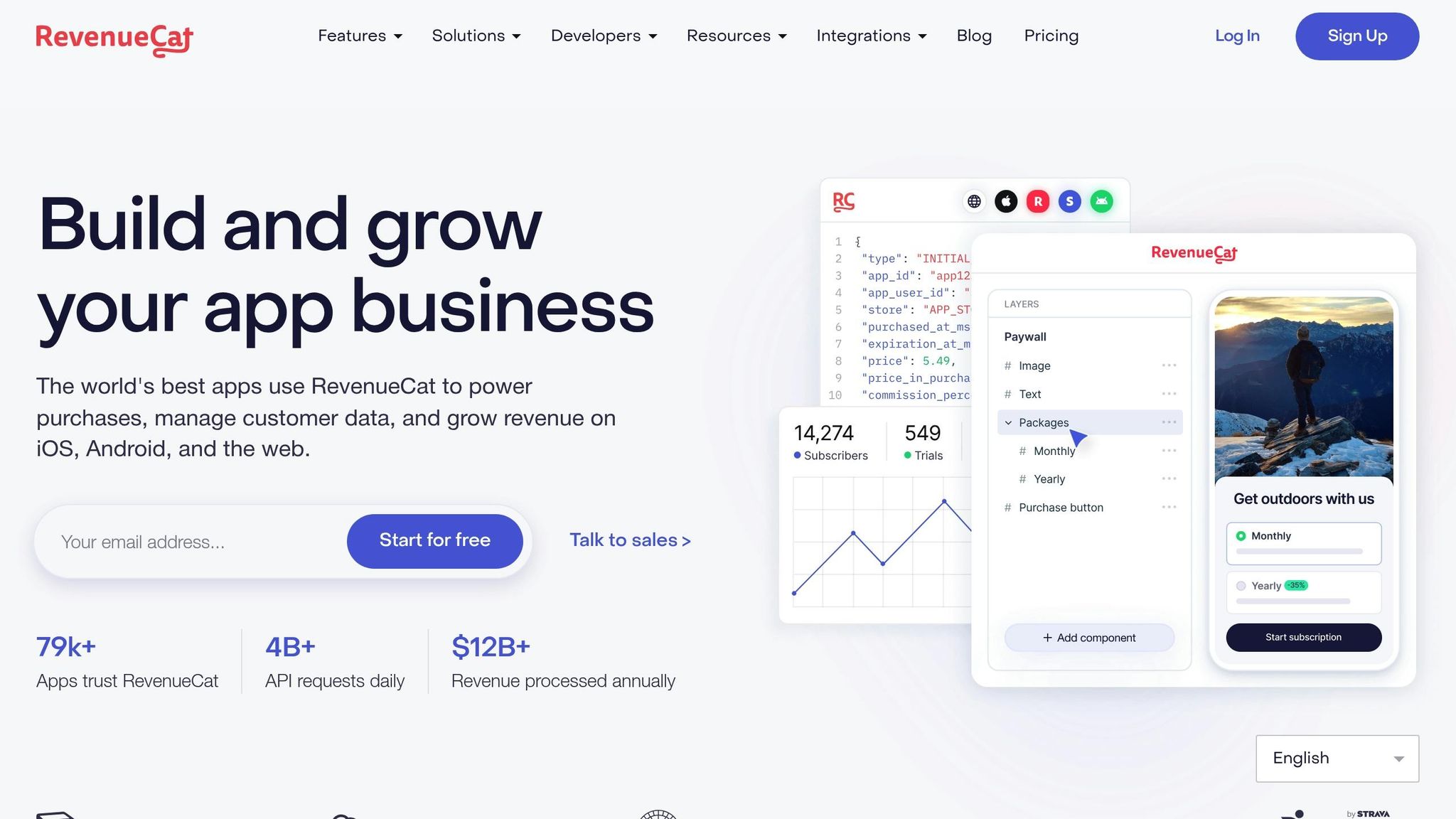
Mirava works alongside platforms like RevenueCat, Adapty, Purchasely, and Superwall to handle pricing, billing, and subscriptions without overlap. These tools complement each other, ensuring you can use them together without conflict.
Mirava takes care of pricing updates directly through App Store Connect and Google Play Console, with changes reflected instantly across both stores. There's no need for extra developer input to sync updates. Once connected, Mirava’s dashboard automatically pulls in all SKUs, currencies, products, and subscription tiers, streamlining the process [1].
Tracking Revenue and Conversion Metrics
Once prices are updated, keeping a close eye on performance is key. Use event tagging to mark changes like price updates, currency shifts, or promotions on your timeline. These tags allow you to directly overlay events on revenue and conversion metrics, making it easier to pinpoint their effects. Mirava syncs data from App Store and Google Play several times daily.
Analyze metrics by app, plan, and country to spot trends like revenue growth or stagnant conversion rates. It’s important to evaluate regional performance within the context of local purchasing power - a $500 monthly gain in India might reflect deeper market penetration than $2,000 in the U.S. Apps that move from a single global price to localized regional pricing strategies often see meaningful revenue gains.
Reviewing and Publishing Price Changes
Using Team Review and Approval Features
Before syncing prices to the App Store or Google Play, Mirava’s centralized review phase ensures updated price tiers are thoroughly examined. This step helps prevent mistakes, such as accidentally setting a price at $4.99 instead of $5.00. The streamlined dashboard consolidates apps, regions, and pricing rules into a single view, making it easier to verify updates across your entire catalog. A centralized review step keeps updates predictable, review-safe, and easy to roll out across your whole catalog.
For teams managing multiple apps, a structured workflow is key: connect your apps, establish pricing rules, review the proposed changes, and then sync updates. If you're new to managing bulk updates, start small by testing a single flat price change on a free plan to confirm your store connection works before scaling up to regional strategies.
Once the team gives the green light, you can confidently deploy the updated prices.
Exporting and Deploying Prices
After completing the review process, approved prices are published using official APIs. Mirava handles this step by pushing updates directly to App Store Connect and Google Play Console. These updates usually appear within 24–48 hours.
It’s important to monitor Apple’s opt-in requirements after deployment. If a price increase surpasses certain thresholds, existing subscribers may need to manually approve the change, which could result in higher churn rates [6]. To avoid disrupting your current user base, many developers opt to grandfather legacy prices for existing subscribers while applying new rates to future users. Additionally, tagging the date of price changes in your analytics dashboard can help you track their impact on revenue and conversion rates over time [2].
Summary and Next Steps
Managing prices across the App Store and Google Play from a single dashboard can save you from the hassle of juggling spreadsheets. Mirava streamlines this process, helping you pinpoint markets where you're either charging too much (hurting conversions) or too little (missing out on revenue). Updates can then be pushed to all platforms within 24–48 hours. Here's how you can move from basic pricing management to a more integrated system.
Start by testing these strategies on your app. Use Mirava's free pricing audit at https://mirava.io to analyze your storefront data and identify pricing opportunities in any of the 170+ supported countries. No signup is required, and the tool provides a quick overview of where your pricing might not align with local purchasing power. After spotting potential gaps, sign up for a free account at Mirava.io to manage one app with flat price conversion.
For more advanced pricing tools, the Premium plan costs $49 per app per month, or $499 per year with 2 months free. It includes features like the Willingness-to-Pay algorithm, psychological rounding (e.g., prices ending in .99 or .95), and instant syncing with both the App Store and Google Play. Teams with bigger needs can opt for the Enterprise plan, which offers enhanced analytics with custom pricing options.
Once you've fine-tuned your pricing with Mirava, your billing tools - such as RevenueCat, Adapty, Purchasely, or Superwall - read the updated store prices automatically. While Mirava determines optimal pricing and regional strategies, these platforms manage paywalls, entitlements, and subscriptions. This combination ensures your pricing strategy remains effective while the technical side of billing and tracking is handled seamlessly.
To get started, test the workflow on a single app. Connect it to Mirava, implement a flat price adjustment, review the pricing tiers, and sync your store. Once you're comfortable, you can expand into more tailored regional pricing strategies.
FAQs
Will changing prices affect existing subscribers?
Adjusting subscription prices, particularly increasing them, can directly affect your existing subscriber base. For instance, platforms like Google Play mandate notifying users about price changes and securing their opt-in approval. Mishandling this process can result in elevated churn rates, as highlighted by Chargebee. To reduce potential fallout, prioritize transparent communication and give subscribers ample advance notice. This approach helps set expectations and allows users to adapt to the changes more smoothly.
How do I keep iOS and Android prices consistent?
To keep pricing aligned across iOS and Android, a unified pricing management system is essential. Mirava makes this process straightforward by offering centralized control over regional pricing. It automatically syncs SKUs, currencies, and subscription tiers, ensuring everything stays consistent. If you use RevenueCat or Adapty, they read the updated store prices automatically, so updates stay consistent without manual intervention.
How can I tell if localized pricing is actually working?
To assess whether localized pricing is working, focus on tracking key metrics such as revenue, conversion rates, and user retention over time. Leverage tools like Mirava to set and evaluate price adjustments, and your experimentation stack to test them. Controlled testing and in-depth analytics ensure that any changes are backed by data, helping you make informed decisions that boost both revenue and user engagement - without relying on guesswork.